


How to activate eSIM
eSIM - is an electronic SIM card that can be used at the same time as your main physical SIM card
Free connection
Quick online registration
Doesn't take up space in your phone


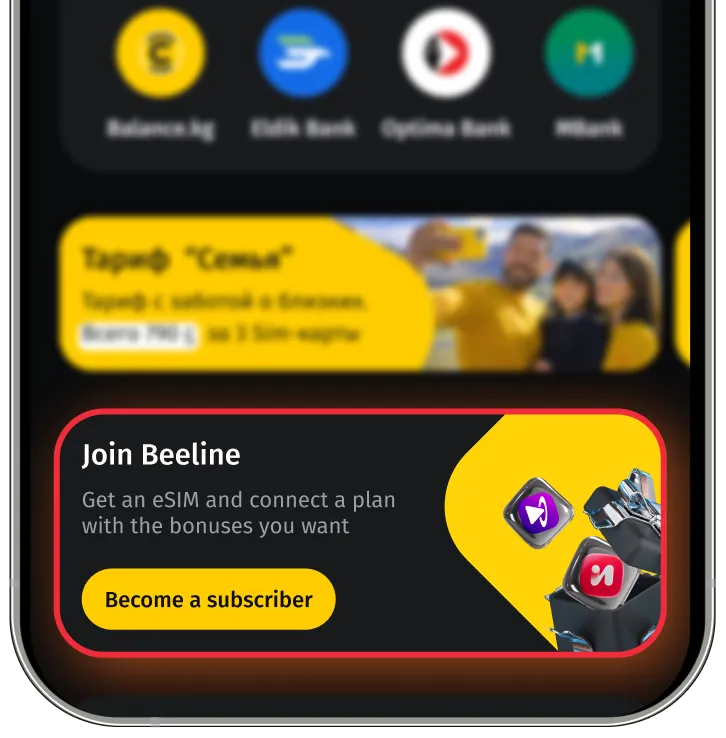

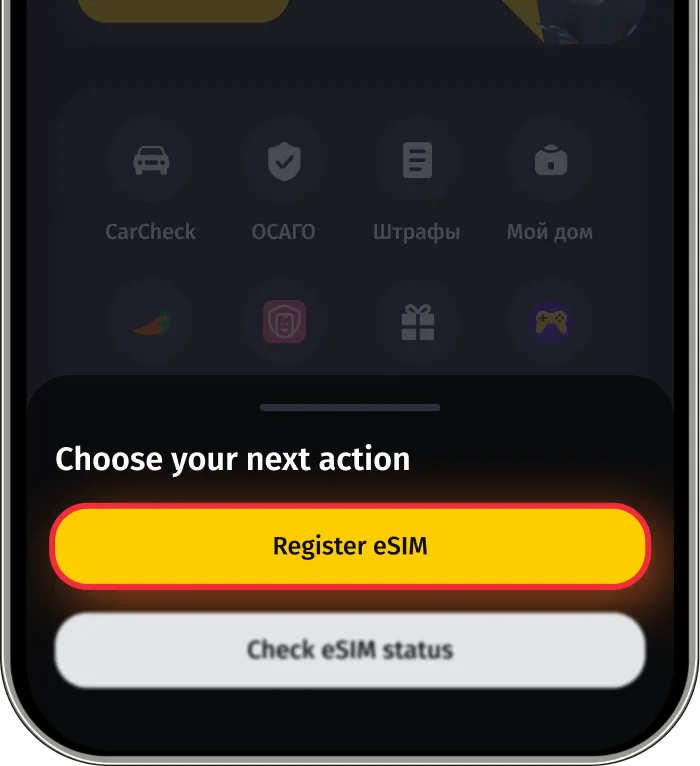
In the window that appears, select "Get eSIM"
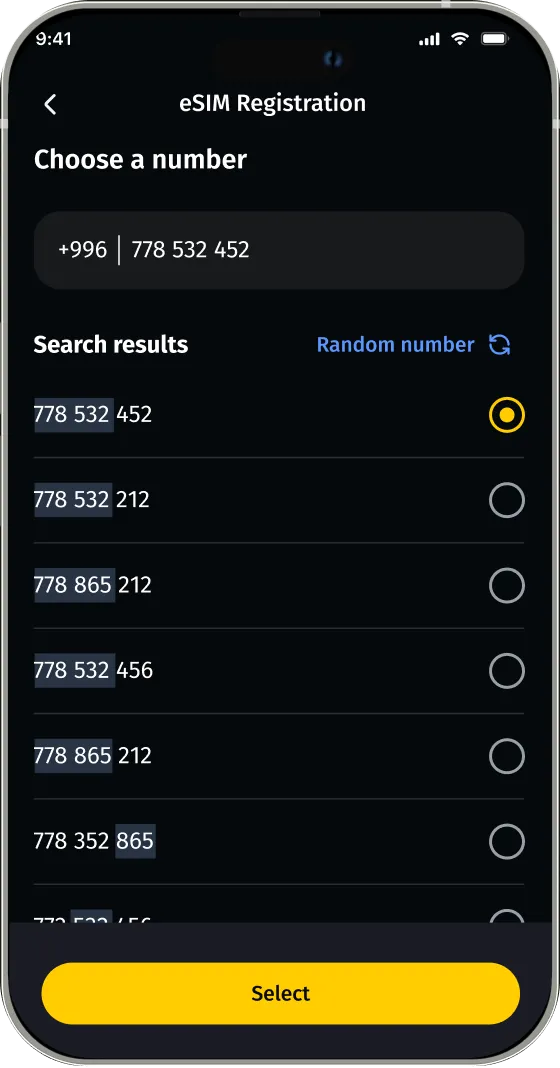
Choose a number
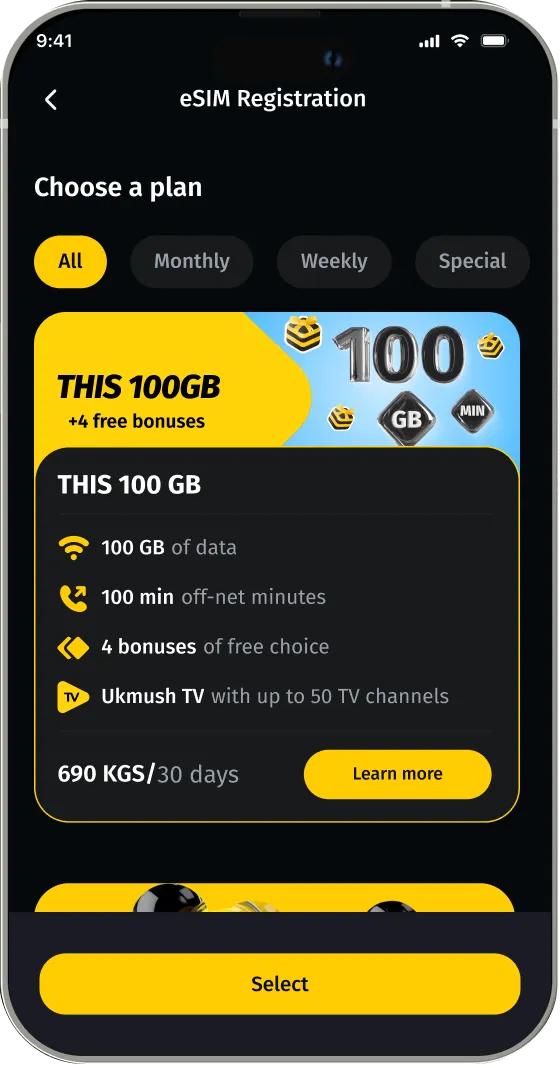
Choose a tariff
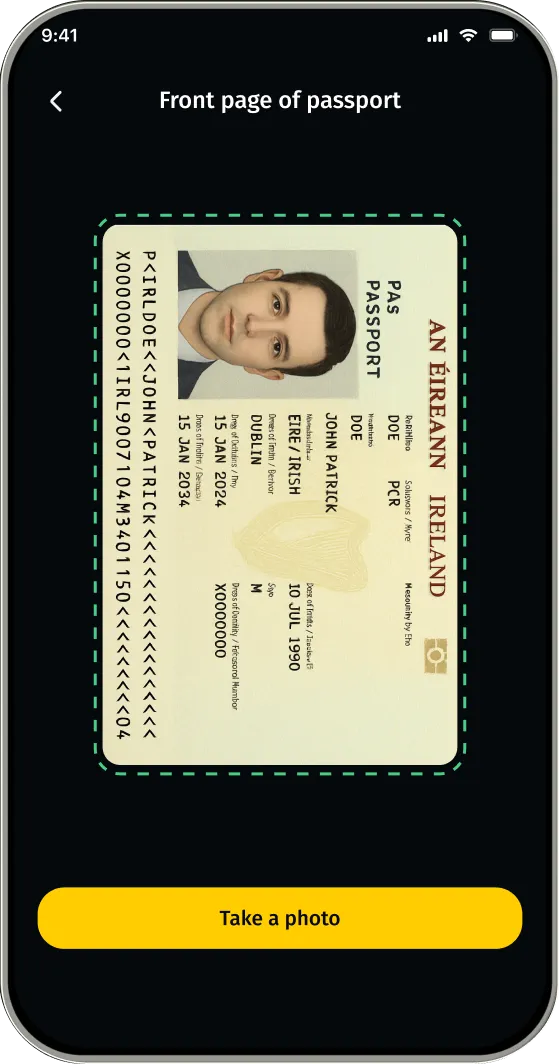
Verify your identity

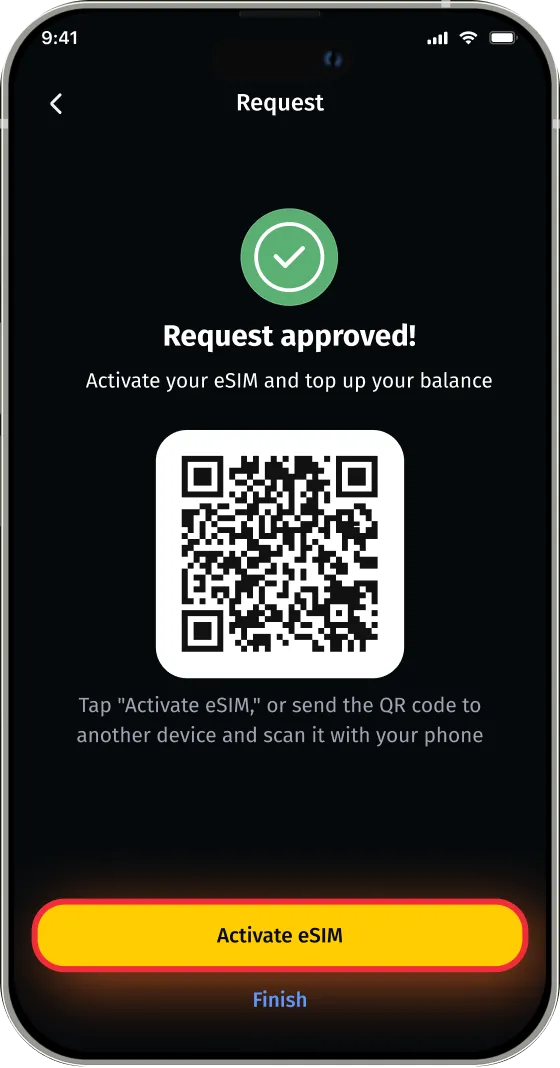
Tap "Activate eSIM" or scan the QR code from your phone
Done! Your new Beeline number works simultaneously with your main SIM card.